
Website Templates vs. Custom Development: A Practical Framework for Small Businesses
%20(1).webp)
As a small business owner, your website is one of your most powerful marketing tools. It's often the first point of contact with potential customers and can make or break their decision to engage with your brand or business. But when it comes to building a website, you're faced with a key choice: use a pre-designed template or invest in custom development.
Both options have their merits, and the right choice depends on your specific business needs, goals, and resources. In this post, we'll break down the pros and cons of each approach and provide a practical framework to help you make the best decision for your business.
Website Templates: The Quick and Affordable Option
Website templates are pre-designed, pre-coded website frameworks that you can customize with your own content, images, and branding. Popular website builders like Squarespace, Wix, Webflow, Bluehost, and WordPress offer a wide variety of templates for different industries and purposes.
Pros of Using Website Templates
- Lower Upfront Cost: Templates are much more affordable than custom development, with many options available for under $100.
- Faster Setup: With a template, you can have a professional-looking website up and running in a matter of hours or days, rather than weeks or months.
- Ease of Use: Most template-based platforms offer user-friendly drag-and-drop editors, making it easy to update and maintain your site without coding skills.
- Reliability: Templates are rigorously tested and designed to work smoothly across different devices and browsers.
Cons of Using Website Templates
- Limited Customization: While you can change colors, fonts, and content, the overall structure and functionality of the template is fixed. This can make it harder to stand out from competitors using similar templates.
- Generic Look: Because templates are designed to appeal to a wide audience, they can lack the unique, branded look that sets your business apart.
- Potential for Bloat: Many templates come loaded with features and elements you may not need, which can slow down your site and confuse visitors.
- Dependence on Platform: If you decide to switch website platforms in the future, you'll likely need to rebuild your site from scratch.
Custom Development: The Tailored and Flexible Approach
Custom website development involves building a website from the ground up, specifically to your business needs and goals. This can be done in-house if you have the technical expertise, or by hiring a web development agency or a freelancer.
Pros of Custom Development
- Unique Design: A custom site is designed to reflect your unique brand or business identity, helping you stand out from your competitors.
- Tailored Functionality: With custom development, you can include exactly the features and functionality your business needs, without any unnecessary bloat.
- Scalability: A custom site can be built with growth in mind, making it easier to add new features and scale as your business evolves.
- Full Control: You have complete control over every aspect of your site, from the underlying code to the visual design.
Cons of Custom Development
- Higher Cost: Custom development is significantly more expensive than using a template, with costs ranging from several thousand to tens of thousands of dollars.
- Longer Timeline: Building a custom site from scratch takes time, often several weeks to months depending on the complexity.
- Required Maintenance: Custom sites require more technical maintenance and updates over time, which can add to ongoing costs if you don't have in-house expertise.
- Dependence on Developer: If you don't have the skills to update or troubleshoot your custom site, you'll need to rely on your developer for ongoing support.
A Practical Decision Framework
So, how do you choose between a template and custom development? Here's a practical framework to guide your decision:
When to Choose a Website Template
- You need a basic, professional web presence quickly and affordably
- Your business model and offerings are fairly standard for your industry
- You don't require complex, custom functionality
- You have limited technical skills and need an easy-to-manage site
When to Choose Custom Development
- Your business model or offerings are unique and require specialized functionality
- Your brand identity is a key differentiator that needs to be reflected in your site design
- You anticipate significant growth and need a site that can scale with you
- You have specific, complex integrations or features in mind (e.g., a custom booking system or interactive product configurator)
- Website performance, speed, and search engine optimization (SEO) are top priorities
A Better Approach for Growing Businesses
For many small businesses, the best approach is simply identifying if you might start with a template to get online quickly and affordably, then maybe gradually invest in custom one as your business grows and your needs become more complex.
We learned this firsthand. When we launched our first website, we were still offering a limited set of services, so we used a simple, template-based drag-and-drop setup. It worked for what we needed at the time.
But as we grew, we knew our online presence had to grow with us. We took the time to rethink our structure, our messaging, and the kind of experience we wanted our clients to see and have. That process led us (a little bit) to redesign our website from the ground up and starting with custom wireframes in Figma.
Once we had our Figma wireframes finalized, we then converted the design to Webflow. Webflow is a website development platform that allows for deep customization while still providing the structure and efficiencies of a template-based system.
By starting with custom wireframes in Figma and then building out the site in Webflow, we were able to achieve a completely unique, branded website that was still more affordable and quicker to launch than a fully custom-coded site from scratch. Plus, Webflow's platform makes it easy for us to add custom features and functionality as we grow without needing to rebuild the site.
We found this approach so effective that it became part of how we now build websites for our clients. It allowed us to create a site that genuinely reflects who we are, what we offer, and the value we bring to local businesses.
When a client comes to us for a new website, they have two main options:
- Choose a pre-designed Webflow template that we then customize with their branding, content, and any unique features they need. This is the quickest and most affordable option.
- Opt for a fully custom design, which we create as wireframes in Figma. Once the client approves the design, we then convert it to Webflow and build out the full site. This option provides maximum uniqueness and branding control.
Regardless of which path a client chooses, they end up with a professional, high-performing website that is easy to update and built to grow over time.
A Gentle Next Step
If you’re still figuring out what kind of website your business needs right now, that’s okay. Most business owners do not figure it out in one sitting.
When you’re ready, we can walk through it with you. We also have a digital project scope assessment tool that helps clarify what you need, step by step, without rushing the process or building more than necessary.
Disclosure: This content has been thoughtfully developed with a balanced approach, integrating human insight and AI-driven refinements.

Code during the day, dad by default, debugger at night. Clashes happen. Deploy still goes through always.. “Kampay” after.
The Strategic Choice: Local vs. Remote Employees for Small Business Growth
Building a business is as much about people as it is about product or profit. For small business owners, one of the biggest decisions is who to hire – and where they’ll work from. The debate between local and remote employees isn’t new, but the rise of hybrid work has made the decision more nuanced than ever.
%20%E2%80%93%20and%20How%20They%20Can%20Help%20You%20Too_.webp)
Choosing the Right Design Tool For Your Small Business Social Media Graphics
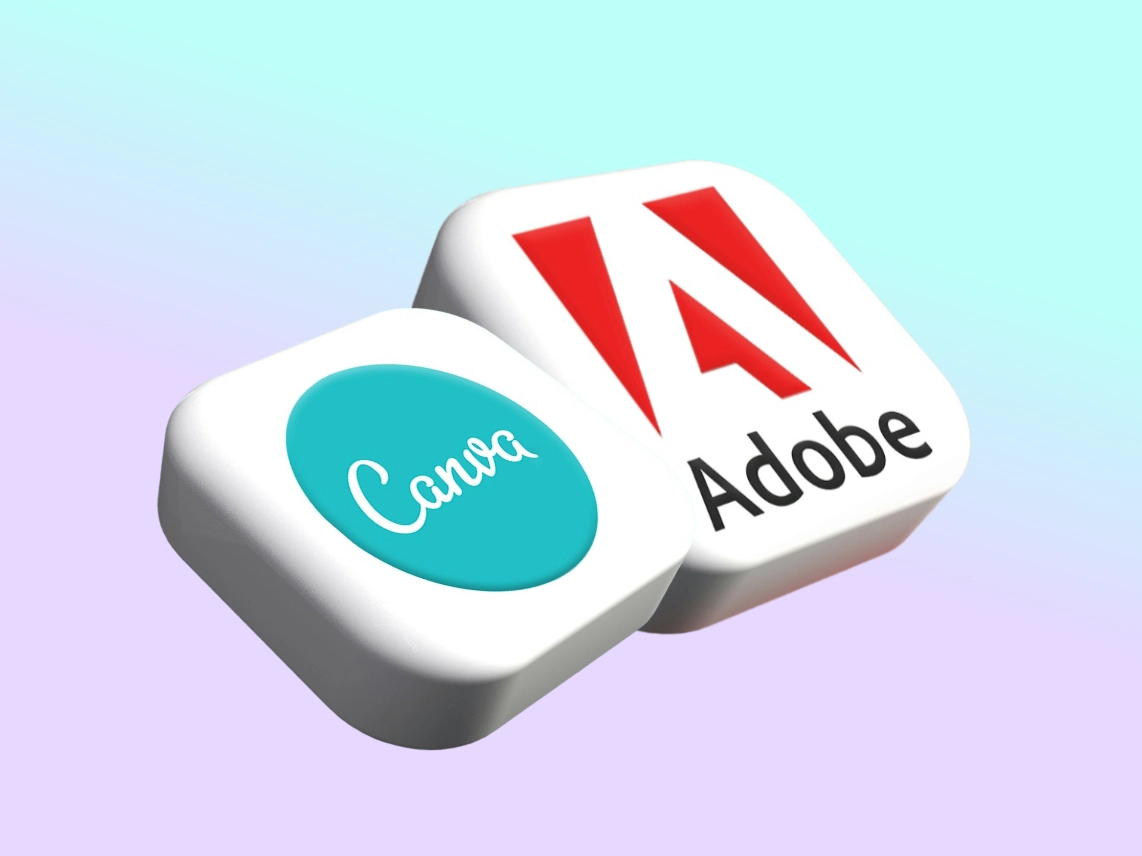
As a small business owner, creating eye-catching social media graphics is crucial for engaging your audience and building your brand. But with a dizzying array of design tools available nowadays, how do you choose the right one for your needs? In this article, we'll dive into the strengths and weaknesses of three popular options - Canva, Adobe Creative Suite, and AI-powered tools – to help you make an informed decision.
%20businesses.webp)
Simple SEO tips for Florida-based (Local) businesses
If you’re a small business owner in Kissimmee, selling handmade jewelry online and in local flea markets, you know you need to get your website in front of more potential customers, but you're not sure where to start. Or maybe you run a pet grooming salon in Four Corners and want to attract new clients in your area, but your website isn't showing up in local search results.

Strengthening Our Community: How Supporting Local Businesses Benefits Us All
In every community, small businesses shape the everyday way of life. They’re not only places where people buy what they need, they are run by families, neighbors, and individuals who live in the same environment as the people they serve. When we talk about supporting local businesses, it isn’t a simple thought or a slogan we pass around casually. It is a real, practical way to strengthen the community we all share.
.webp)
Beyond Brick and Mortar: Strategies for Small Businesses to Succeed Online
If you're a small business owner in Central Florida, you've probably heard that having an online presence is important. But what does that really mean? And how do you get started when you're already juggling a thousand other tasks?
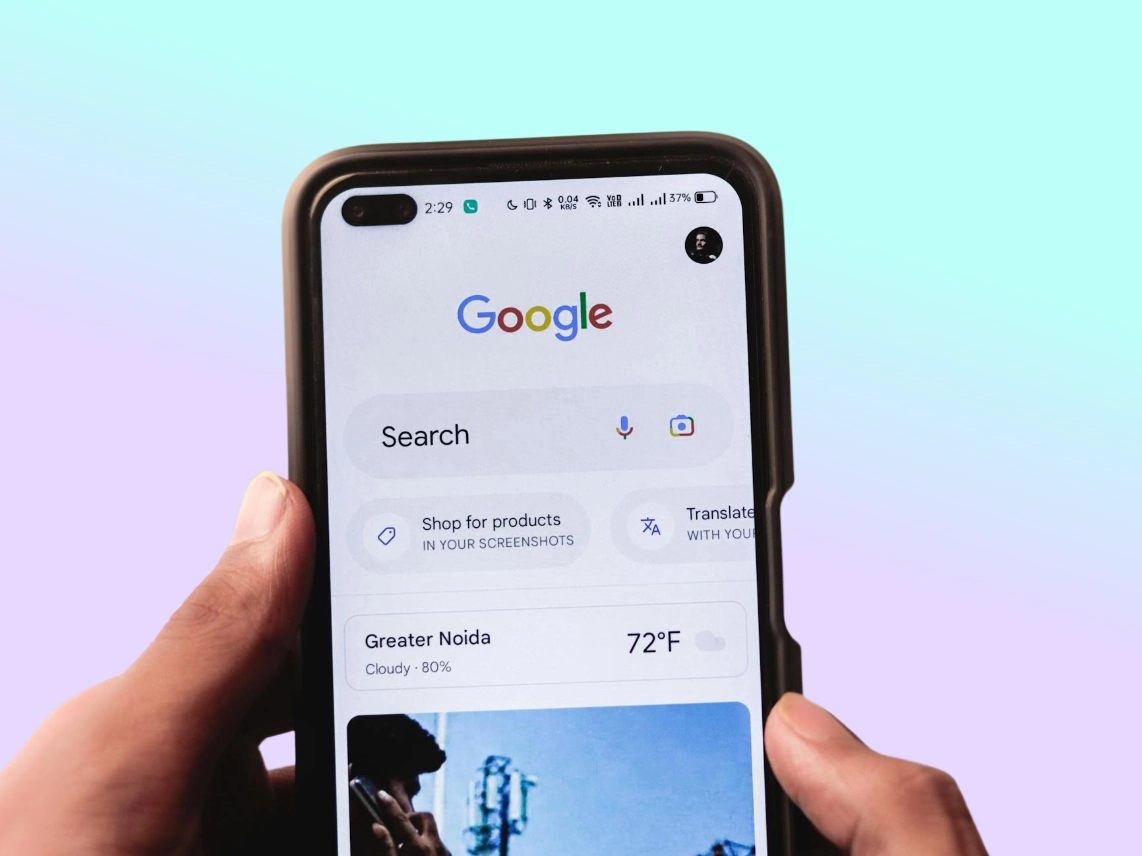
Why Local Businesses Win More With A Strong Google Profile Than With A Website Alone
For a long time, having a website was the main way to get noticed online. It was like your digital storefront, the place where people could learn about your business, see what you offer, and choose whether to come in. And while a website is still super important, it's not the only thing that matters anymore. These days, for a lot of local businesses, the first place customers see you isn't your homepage. It's your Google Business Profile.